Ransomware Protection: How to Stop Cyberattacks Before They Lock Your Data
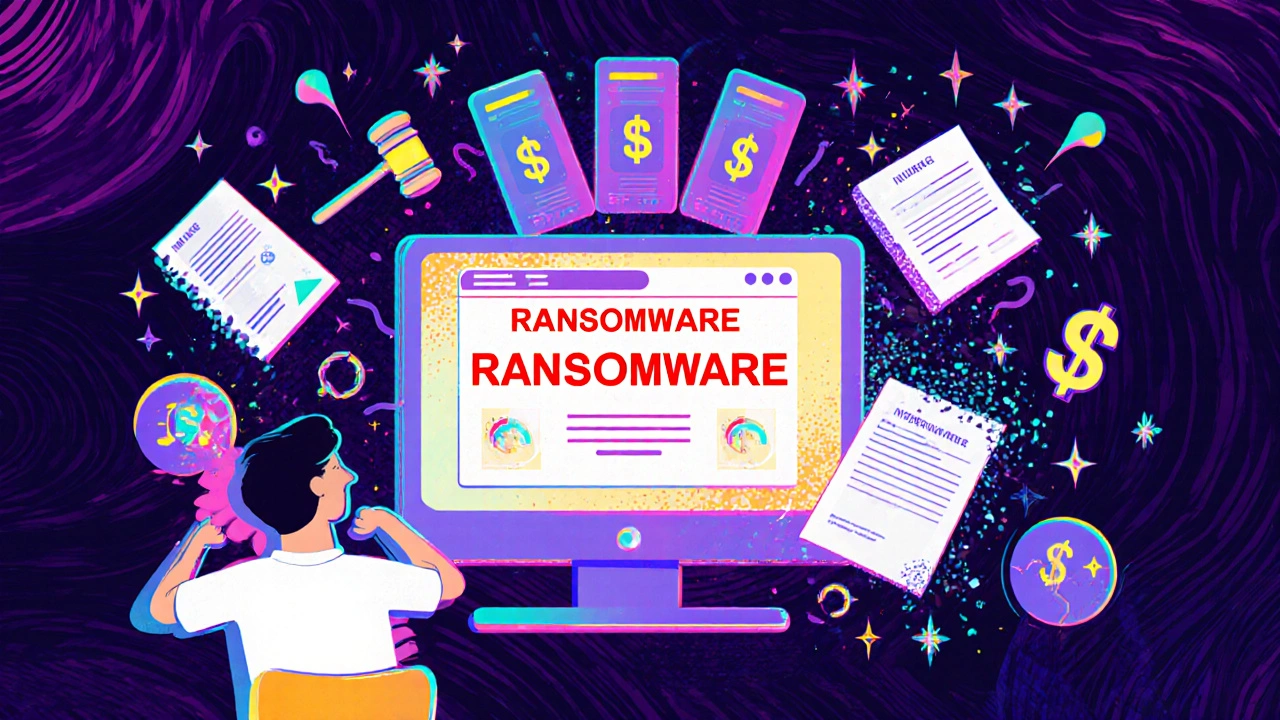
When ransomware protection, a set of practices and tools designed to prevent malicious software from encrypting your files and demanding payment to unlock them. Also known as malware defense, it’s not optional anymore—it’s the bare minimum for keeping your personal data, savings, and even your business running. Every day, someone gets locked out of their photos, bank records, or work files because they clicked the wrong link or didn’t update their software. This isn’t sci-fi. It’s happening to small business owners, parents, teachers, and retirees right now.
Ransomware protection isn’t about buying the fanciest antivirus. It’s about understanding how these attacks work. Most start with phishing scams, fraudulent emails or messages designed to trick you into downloading harmful software or giving away login details. Also known as social engineering, these attacks prey on trust, not technical flaws. One fake invoice, one urgent message from "IT," and suddenly your files are encrypted. Then comes the demand: pay $500 in Bitcoin or lose everything forever. And if you don’t pay? The hackers often threaten to leak your private data—medical records, tax documents, family photos—on the dark web.
Good cyberattack prevention, a proactive approach to stopping digital threats before they can cause damage. Also known as digital security hygiene, it’s built on simple habits you can start today. Back up your files regularly—not just to the cloud, but to an external drive you unplug after each backup. Keep your operating system and apps updated. Turn on multi-factor authentication everywhere it’s offered. Use a password manager so you’re not reusing the same password across your bank, email, and shopping sites. These aren’t tech wizard moves. They’re the equivalent of locking your front door.
And here’s what most people miss: ransomware doesn’t just target big companies. It targets the easiest targets—and that’s you. Hackers know you’re more likely to click on a "delivery failed" notice than to know what a zero-day exploit is. That’s why the best defense isn’t expensive software. It’s awareness. It’s asking, "Does this make sense?" before you click. It’s checking the sender’s email address—not just the name. It’s knowing that no legitimate company will ever ask you to pay a fine via gift cards.
What you’ll find in these posts isn’t theory. It’s real-world advice from people who’ve been hit, who’ve rebuilt their systems, and who now help others avoid the same mistake. You’ll learn how to spot fake invoices that look identical to real ones, why your antivirus alone won’t save you, and how to set up automatic backups that require zero effort after the first setup. You’ll see how even a $10 USB drive can be the difference between losing everything and walking away unharmed.