Protect Social Media Accounts: Stop Hackers Before They Steal Your Money
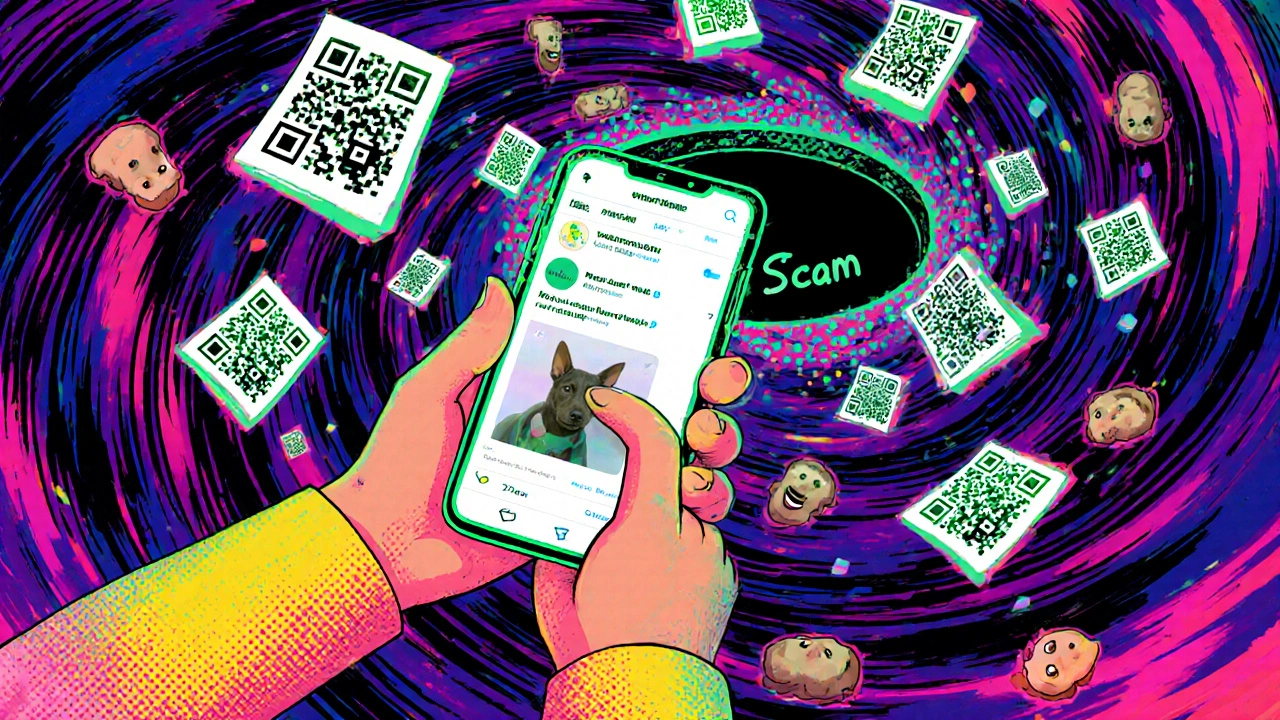
When you protect social media accounts, you’re not just guarding your posts—you’re securing access to your bank accounts, credit cards, and personal identity. Also known as financial identity protection, this is the first line of defense against digital theft that can wipe out your savings overnight. Most people think hackers target big companies, but the truth is they go after you—because your Instagram, Facebook, or Twitter login often holds the keys to your financial life.
Every time you use the same password for your social media and your brokerage account, you’re handing a thief a master key. Multi-factor authentication, a simple system that requires a second step like a code from your phone, blocks 99% of automated attacks. Yet less than 30% of users turn it on. And when hackers get in, they don’t just post weird memes—they reset your passwords, drain your linked cash management accounts, and apply for credit in your name. That’s why dark web monitoring, a service that scans hidden hacker forums for your email or phone number, isn’t luxury—it’s insurance. If your info pops up, you get an alert before the damage starts.
It’s not just about passwords. Hackers use your social media to guess security questions—your pet’s name, your high school, your mom’s maiden name—all things you’ve proudly posted. Identity theft prevention, a set of practical habits that stop criminals before they act, means changing what you share, using unique passwords for every account, and freezing your credit reports. You don’t need fancy software. You need to be lazy on purpose: use a password manager, turn on alerts, and ignore the urge to post your vacation photos until you’re home.
The posts below show you exactly how to do this without paying for bloated apps or wasting hours. You’ll find real steps from people who’ve been hacked, tools that actually work, and the one thing most guides leave out—how to recover fast if you’ve already been hit. No fluff. No theory. Just what to click, what to turn on, and what to delete right now so you can sleep better tonight.